

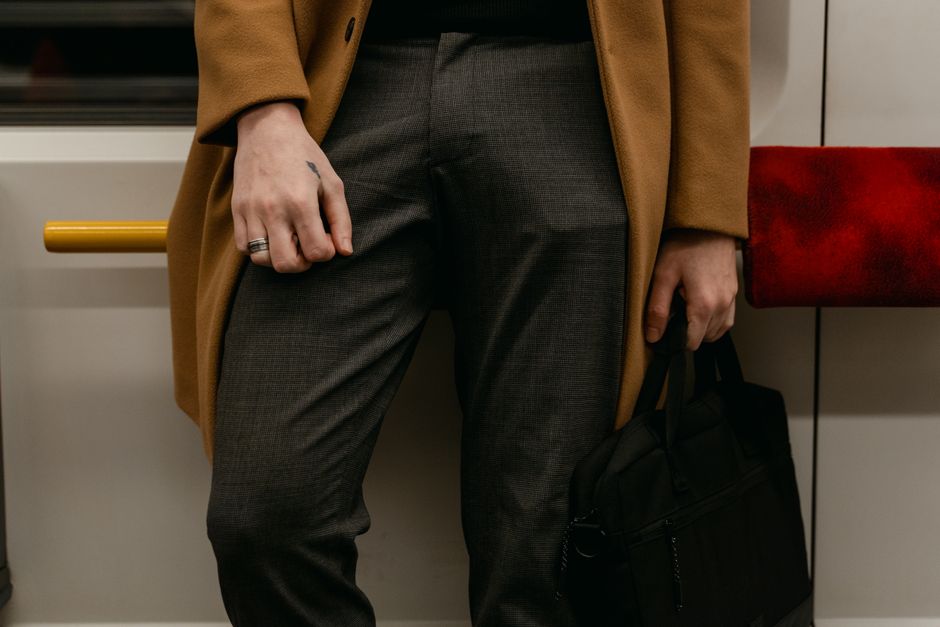
To choose the right bag for work and travel that protects your laptop, focus on three key areas: size and fit for your specific laptop, padded compartments for impact protection, and organizational features that make daily use and security checks easier. Consider the bag’s primary use – whether it’s mostly for daily commutes or frequent international travel – and select a durable, weather-resistant material. Look for features like TSA-friendly pockets, anti-theft designs, and comfortable carrying straps, ensuring it meets airline carry-on dimensions for carriers like Ryanair or easyJet.
In our increasingly connected world, a laptop isn’t just a tool; it’s an extension of our professional and personal lives. Whether you’re a student rushing between lectures, a professional commuting daily to a New York office, or a digital nomad hopping flights across Europe, keeping your device safe is paramount. The wrong bag can turn a minor bump into a costly repair, or worse, data loss. A common mistake is prioritizing aesthetics over functionality, only to find a beautiful bag offers little real protection.
This challenge is amplified when you factor in travel. A bag that works for a quick trip across town might fall short when navigating crowded terminals at Heathrow or Charles de Gaulle, or when trying to squeeze under the seat on a budget airline like Ryanair or easyJet. You need a bag that not only cradles your laptop but also organizes your essentials, withstands the rigors of transit, and ideally, deters opportunistic thieves.
Choosing the best bags for travel and work that truly protect your laptop involves a careful balance of practical size, solid features, and thoughtful design. This guide will walk you through the critical considerations, helping you make an informed decision that safeguards your tech investment.
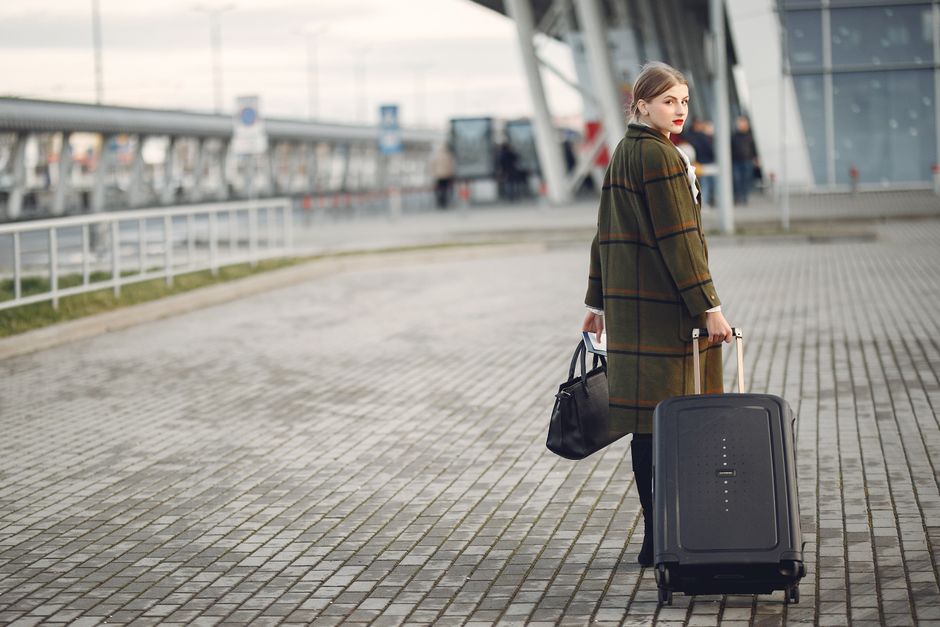
Quick Checklist: What to Look for in a Laptop Bag
- Laptop Compartment Size: Must fit your specific laptop dimensions, not just screen size.
- Padding & Suspension: Adequate foam padding on all sides, preferably with a suspended bottom.
- Material Durability & Water Resistance: High-denier nylon, ballistic nylon, or water-resistant canvas.
- Accessibility & Organization: Easy access to laptop, multiple pockets for accessories, and secure internal divisions.
- Security Features: Lockable zippers, RFID-blocking pockets, slash-resistant material.
- Comfort & Ergonomics: Padded straps, breathable back panel, even weight distribution.
- Airline Compatibility: Meets carry-on requirements for airlines you frequently fly (e.g., maximum dimensions for Ryanair, easyJet).
- Style & Professionalism: Suits your work environment and personal aesthetic.
Understanding Your Laptop’s True Dimensions for a Perfect Fit
Why Screen Size Isn’t Enough
Many people make the mistake of buying a 15-inch laptop bag for a 15-inch laptop, only to find it’s either too snug or awkwardly loose. Laptop screen size is a diagonal measurement, but the actual physical dimensions (width, height, and depth) vary significantly between manufacturers and models. A sleek Dell XPS 15 might be much smaller than a gaming-focused 15-inch Alienware, for example. Always measure your laptop’s length, width, and thickness in centimeters or inches before buying a bag. Then, compare these against the internal dimensions of the bag’s laptop compartment, not just the advertised ‘fits up to 15-inch’ label.
The Importance of a Snug, Not Tight, Fit
A laptop compartment should hold your device snugly enough to prevent it from shifting excessively, which can lead to impact damage. However, it shouldn’t be so tight that you struggle to insert or remove it, or that it puts undue pressure on the laptop’s chassis. A little wiggle room, perhaps a centimeter or two on each side, is acceptable, especially if the compartment is well-padded. This also allows for a thin sleeve if you prefer extra protection.
Protecting Against Impacts: Padding and Suspension
All-Around Padding is Non-Negotiable
The primary function of any laptop bag is to protect against everyday bumps and drops. Look for bags with thick, high-density foam padding on all six sides of the laptop compartment. Many bags feature padding on the front and back but neglect the sides or, crucially, the bottom. The bottom is particularly vulnerable, as it’s the first point of impact when a bag is set down forcefully or dropped.
The Magic of a Suspended Laptop Compartment
The gold standard in laptop protection is a ‘suspended’ or ‘elevated’ compartment. This design ensures that the laptop doesn’t sit directly on the bottom of the bag, but rather rests in a padded sling or false bottom that’s slightly raised from the bag’s base. This creates a crucial air gap, absorbing the shock of a vertical drop and preventing your laptop from hitting the ground directly. It’s a feature commonly found in high-quality carry-on bags and dedicated laptop backpacks, and it’s invaluable for those who frequently travel or commute with their device.
Anti-Theft Bags for Busy European Cities: Your Questions Answered
Durability and Weather Resistance: Materials Matter
Choosing the Right Fabric for Your Lifestyle
The material of your bag dictates its durability, weight, and weather resistance. For solid protection and longevity, consider:
- Ballistic Nylon: Extremely tough and abrasion-resistant, often used in military applications. Excellent for frequent travelers.
- High-Denier Polyester/Nylon: Common in backpacks and carry-on bags. A higher denier count (e.g., 600D, 1000D) indicates a thicker, more durable fabric.
- Water-Resistant Canvas or Waxed Canvas: Offers a classic look with good water repellency, though often heavier.
- Tarpulin/PVC Coated Fabrics: Highly water-resistant, often seen in messenger bags and urban commuting bags, but can be less breathable.
For city commutes in London’s unpredictable weather or a sudden downpour in New York, water resistance is key. Look for bags with water-repellent coatings, sealed seams, and water-resistant zippers to protect against rain and spills. Your electronics are too valuable to risk getting wet.
Zippers, Hardware, and Stitching
Beyond the main fabric, inspect the quality of zippers, buckles, and stitching. YKK zippers are generally considered the industry standard for reliability. Metal hardware often outlasts plastic. Strong, reinforced stitching, especially at stress points like strap attachments, is a sign of a well-made bag that will withstand the rigors of daily use and travel.
Security Features for Peace of Mind
Deterring Opportunistic Thieves
When you’re navigating a busy train station in Paris or a crowded market in Rome, anti-theft features become highly relevant. These can include:
- Lockable Zippers: Zippers on the main compartments that can be pulled together and secured with a small padlock (TSA-approved locks are useful for checked baggage, though less critical for carry-ons).
- Hidden Pockets: Discrete pockets against your back or inside the bag for passports, wallets, and other valuables.
- Slash-Resistant Fabric or Mesh: Some premium bags incorporate lightweight steel mesh or cut-resistant fabric in vulnerable areas to deter slash-and-grab attacks.
- RFID-Blocking Pockets: Protects credit cards and passports from electronic skimming.
TSA-Friendly Designs for Airport Security
For frequent flyers, a ‘TSA-friendly’ or ‘checkpoint-friendly’ laptop compartment can save significant time at security checkpoints. These bags are designed to allow your laptop to lie flat and open without removing it from the bag, making it easier for X-ray scanning. While not all airports or security personnel fully utilize this feature, it’s a useful design element for streamlined travel, particularly in the US.

Choosing Your Style: Backpack, Messenger, or Briefcase?
Backpacks: The Versatile Workhorse
For many, a laptop backpack is the ultimate choice for both travel and work. It distributes weight evenly across both shoulders, reducing strain, making it ideal for walking through airports or cycling to work. Look for padded, adjustable shoulder straps, a sternum strap for stability, and a breathable back panel. Many backpacks designed for travel also feature a luggage pass-through strap to easily attach to a rolling suitcase handle.
Messenger Bags: Stylish and Accessible
Messenger bags offer quick access to your laptop and essentials without needing to remove the bag. They’re often favored by urban commuters and those who prefer a more casual or professional look than a backpack. Ensure the shoulder strap is wide, padded, and adjustable to prevent discomfort, especially if you carry heavier loads. Crossbody bags provide good security as they sit close to the body, making them harder for thieves to snatch.
Everyday Bags That Organize Small Essentials: Your Guide to Smarter Carry
Briefcases & Totes: Professional Polish
For more formal work environments, a dedicated laptop briefcase or a structured tote bag might be the best fit. These often come with dedicated laptop sleeves or compartments, offering a polished look. While they might not be ideal for carrying heavy loads over long distances, they excel in maintaining a professional appearance. Ensure any tote selected has a secure top closure to protect your laptop from elements and prying eyes.
FAQ: Answering Your Laptop Bag Questions
How do I choose the right bag for work and travel?
Start by identifying your primary use cases: daily commute, frequent flights, or both. Measure your laptop precisely. Prioritize bags with solid laptop protection (padding, suspension), durable, weather-resistant materials, and comfortable carrying options. Consider capacity for other essentials and look for security features like lockable zippers, especially for travel.
What makes a laptop bag truly protective?
A truly protective laptop bag features ample, high-density padding on all sides of the laptop compartment, including the bottom. Crucially, a suspended or elevated laptop compartment provides an air gap, absorbing impact from drops. Quality materials like ballistic nylon, strong zippers, and reinforced stitching also contribute significantly to overall protection and longevity.
Are anti-theft bags worth it for travel?
Yes, anti-theft bags are often worth the investment, particularly for travelers navigating crowded tourist spots in cities like London, Paris, or Berlin. Features like slash-resistant materials, lockable zippers, and hidden pockets provide an extra layer of security, deterring opportunistic theft and giving you greater peace of mind about your valuables, including your laptop and passport.
Can I use any backpack as a laptop bag?
While you can put a laptop in any backpack, not all backpacks offer adequate protection. A dedicated laptop compartment with proper padding and suspension is essential to prevent damage from bumps and drops. Generic backpacks may lack this specific protection, risking your device. Look for bags specifically designed to carry and protect electronics.
What are the carry-on restrictions for laptops on European airlines?
European airlines like Ryanair and easyJet have strict carry-on luggage size and weight limits. While a laptop itself isn’t typically weighed separately, it must fit within your main carry-on bag’s dimensions. Always check the specific airline’s website for the most up-to-date carry-on rules (e.g., Ryanair’s typically allows a small personal bag, easyJet allows a larger cabin bag if booked). Most professional laptop bags are designed to fit these constraints.
Key Takeaways for Choosing Your Laptop Bag
Selecting the best bags for travel and work, especially when your laptop is involved, isn’t about finding the most expensive option, but the most suitable. Remember to prioritize the precise fit for your laptop, understanding that screen size is a guideline, not a definitive measurement. The internal dimensions of the laptop sleeve are what truly matter for a snug, secure fit.
Secondly, never compromise on padding and suspension. A bag that looks good but lacks adequate protection on all sides, particularly the bottom, is a risk not worth taking. Your laptop’s longevity depends on its ability to withstand the daily knocks and travel stresses it will inevitably encounter. Finally, consider your lifestyle: a daily commuter in Germany might need different features than a globetrotter constantly passing through TSA security in the US.
By focusing on these practical aspects – fit, protection, durability, and thoughtful features – you’ll find a bag that not only complements your style but genuinely safeguards your valuable technology. It’s an investment in peace of mind and the longevity of your device.
Explore more bags guides on AtTheFashion to find your perfect match.






Leave feedback about this